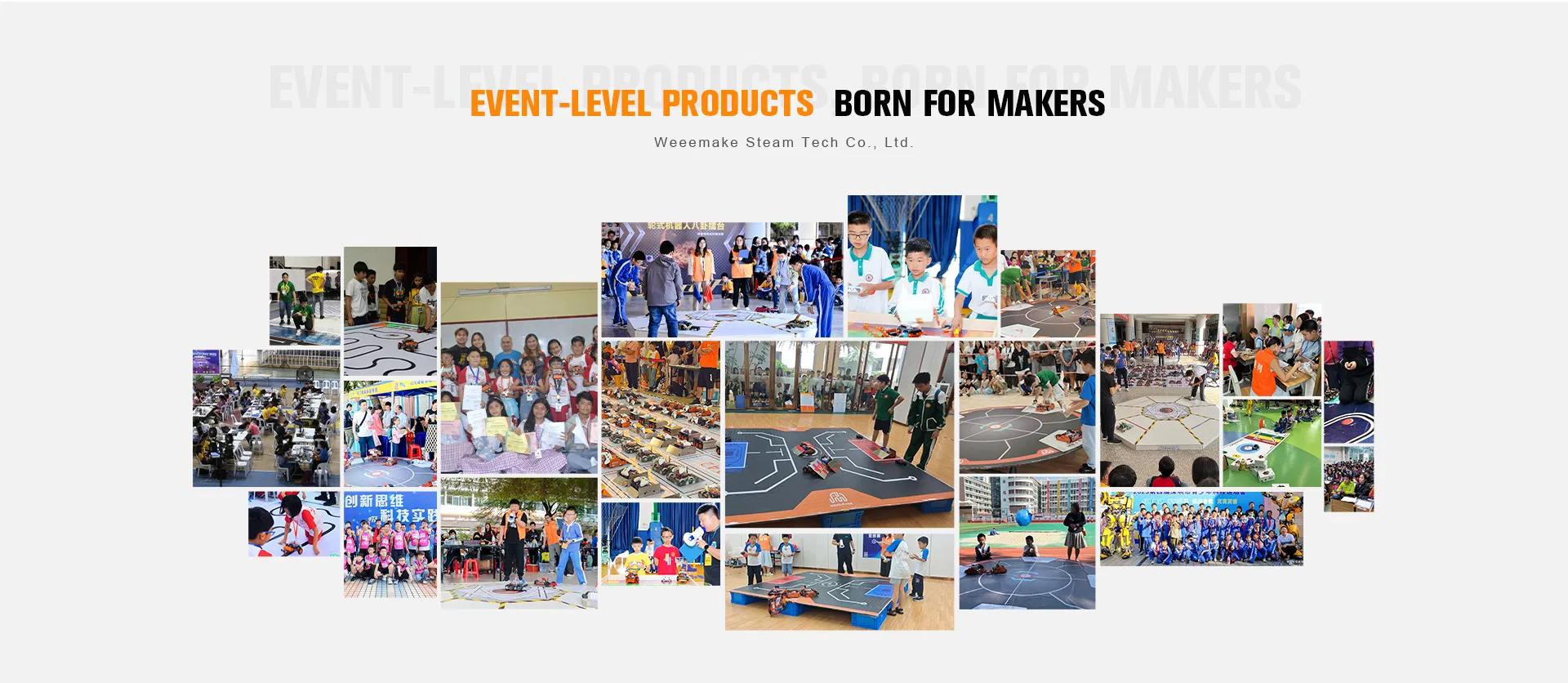
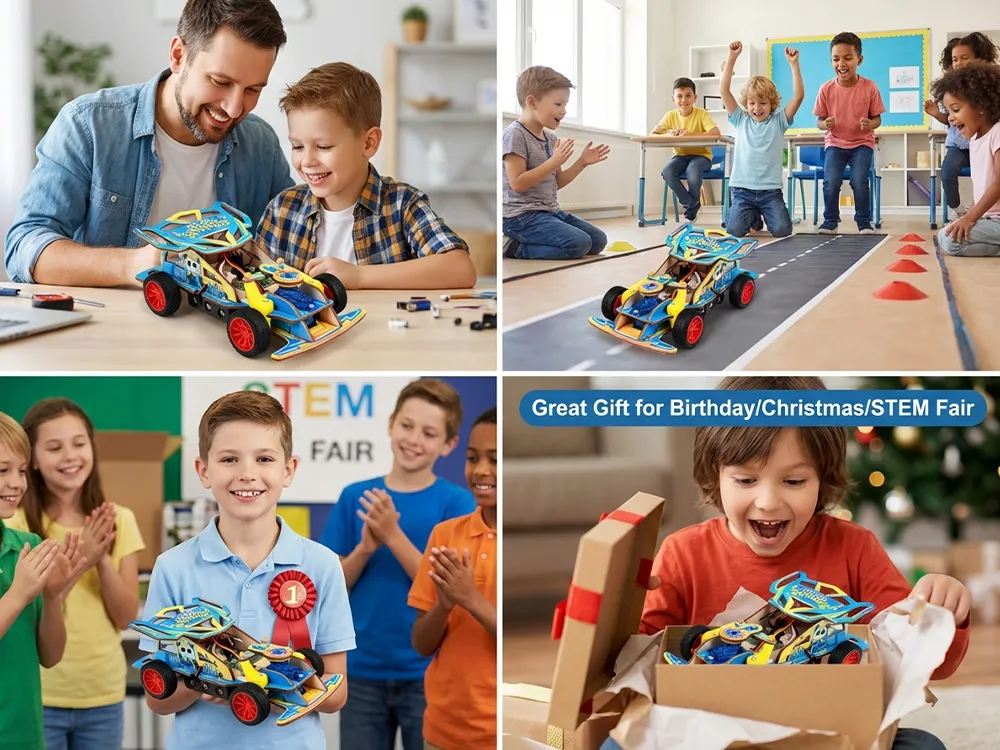
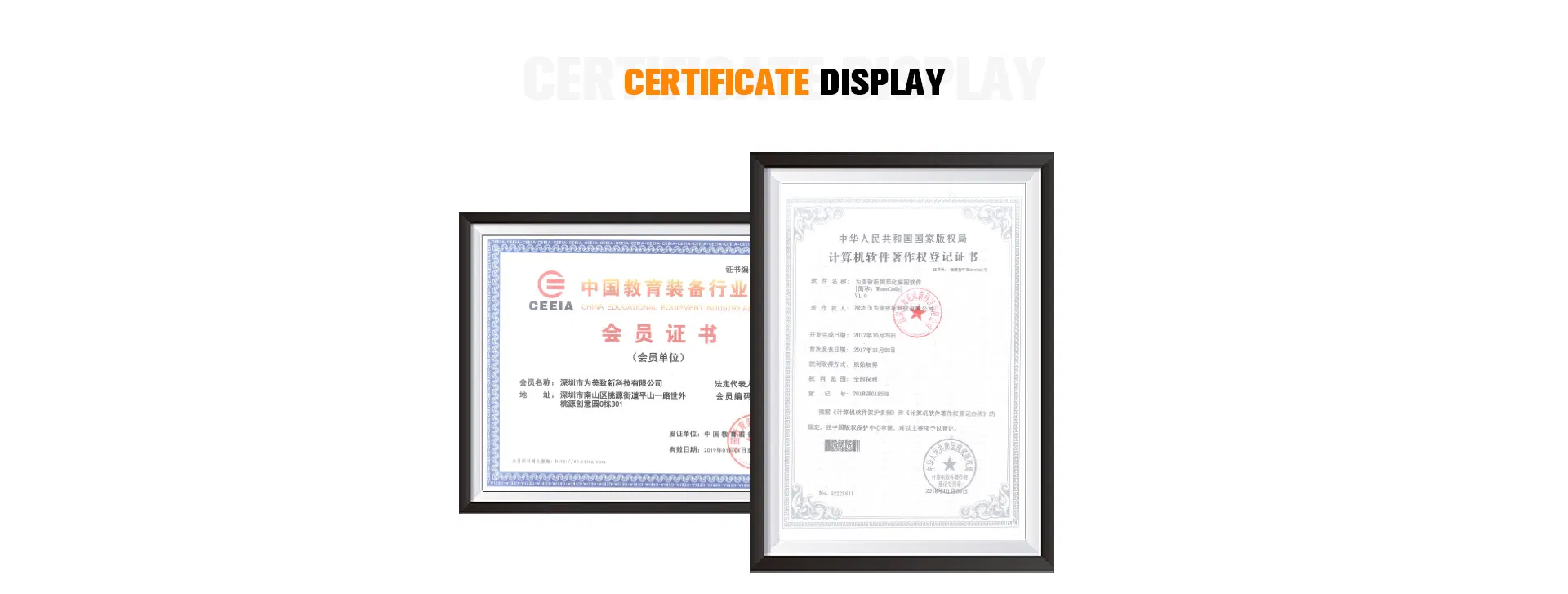
We have cooperated with more than 10,000 schools in more than 60 countries around the world, and hold dozens of competitions every year, making outstanding contributions to global STEM education. We integrate R&D, production, and sales, providing professional teaching, training resources, and competition solutions.
❓
Frequently Asked Questions
When I turn on the robot, there is no response, why?
1. Low voltage: please recharge all your batteries or replace with new ones. 2. Batteries installed in wrong polarity (+/-). 3. Incorrect wiring on battery holder or motor.
When I controlled the robot to move forward, it moved backwards. How can I fix this?
The wiring of the motor is connected reversed. Please reconnect the wires in the opposite configuration.
How to program my robot or restore the factory settings?
Download the official software, connect the robot to PC via USB, select the correct serial port and main-board type. "Factory Firmware" will resume the original program and settings.
I cannot connect the robot to the computer via USB or wireless.
Check if your computer has installed the driver of the mainboard. Please install the driver in the software "Help" menu, restart the robot, and try again.
Why cannot the robot move with only USB power supply?
USB power supply can only support the chip and sensors. To drive motors or servos, please connect batteries and switch on the power button.
Why doesn't the Line-following Sensor work properly?
Ensure the distance between sensor and map is 1-2cm. Avoid strong light interference and use unreflecting material for your tracking map.
 Hoopla Toys